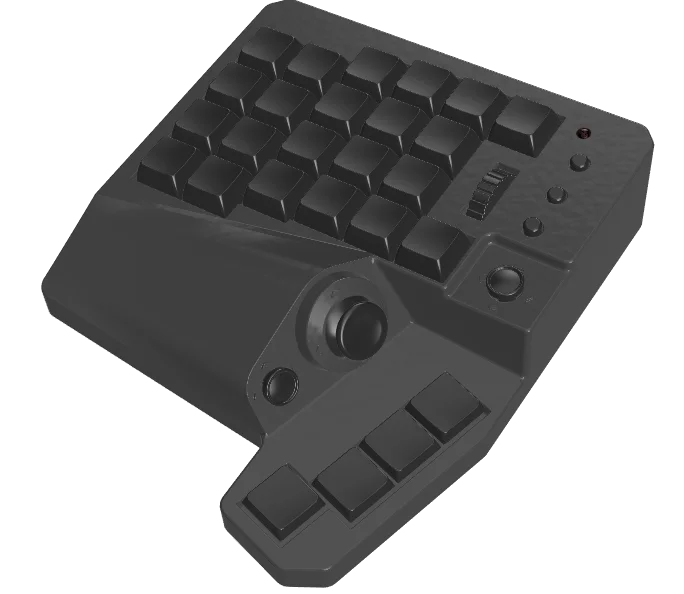
Flagship model
MH-Zeta
Next-generation gaming, in one hand
A device built for playing games
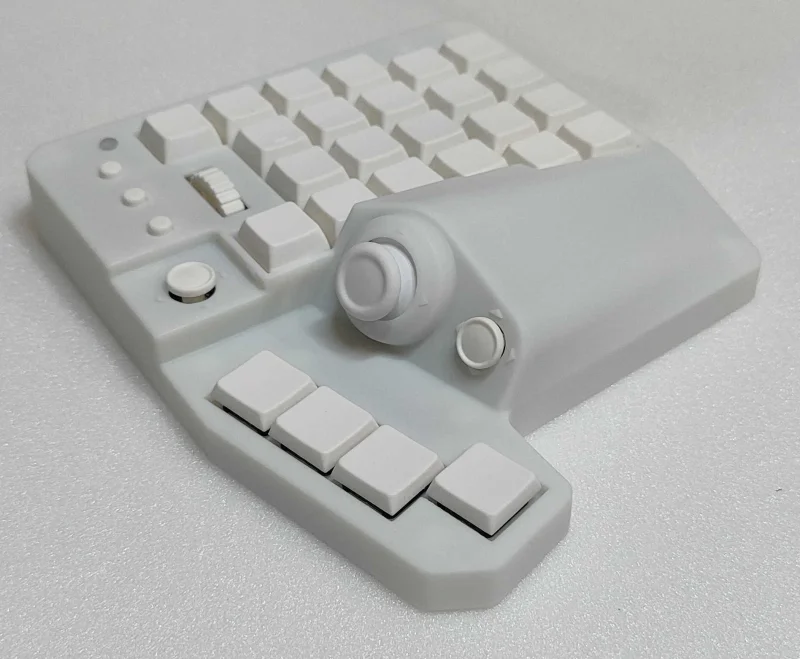
MH-Zeta is a one-handed keyboard made for PC gaming. Intuitive character control with a joystick, 10 switchable channels and four modes let it keep up with a wide range of uses, from FPS, TPS and MMORPGs to illustration.
- 47 assignable input points + 2-axis joystick + joystick click
- Assign functions to 47 input points per channel, and switch between 10 channels to keep a separate setup for each use
- Analog input in games that support DirectInput
- USB connection (Windows / Mac)
10 channels and four modes
Switch channels to match what you are doing. The stick mode is set per channel, so switching channels switches your whole control scheme with it.
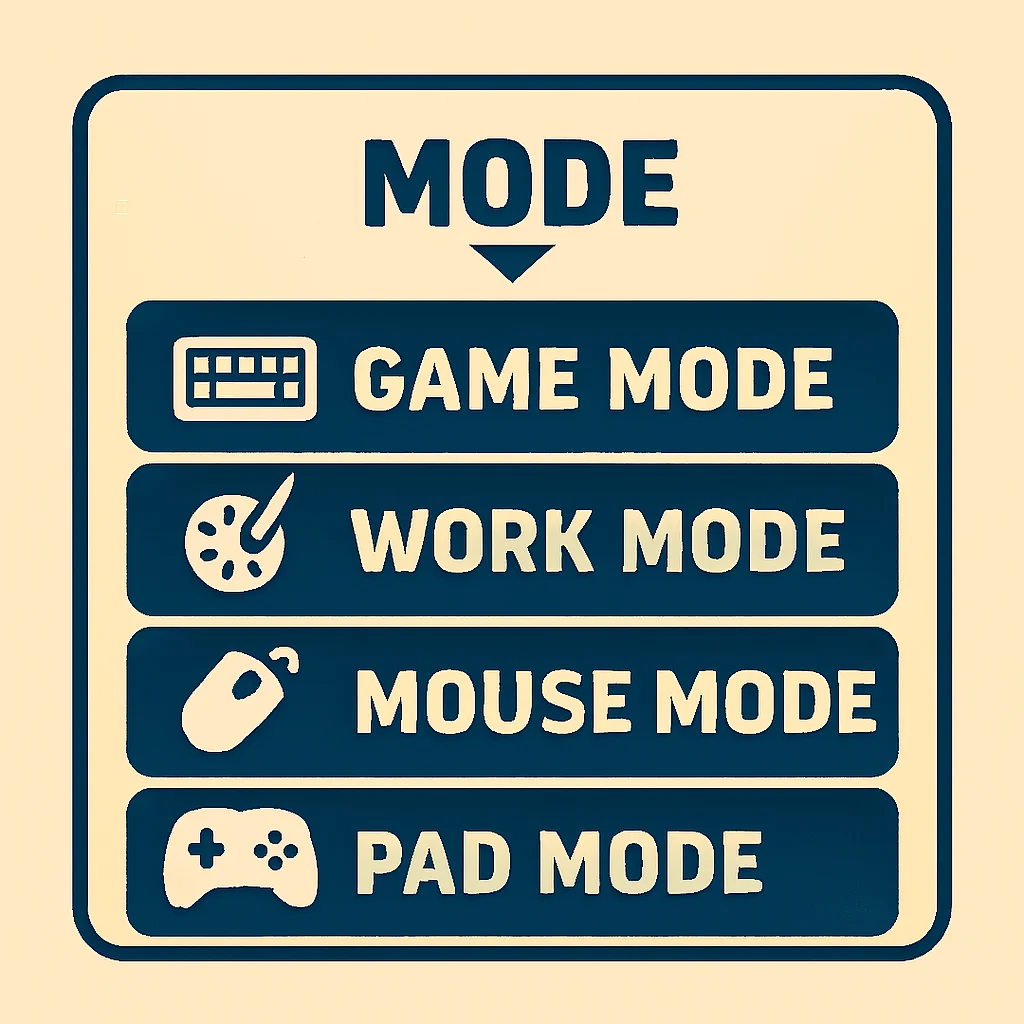
Four modes
- GAME MODE: the standard mode for FPS, TPS, MMO and other games
- WORK MODE: for creators working in DAWs, 3D CG, illustration and more
- MOUSE MODE: move the mouse cursor with the joystick
- PAD MODE: works as a gamepad (DirectInput)
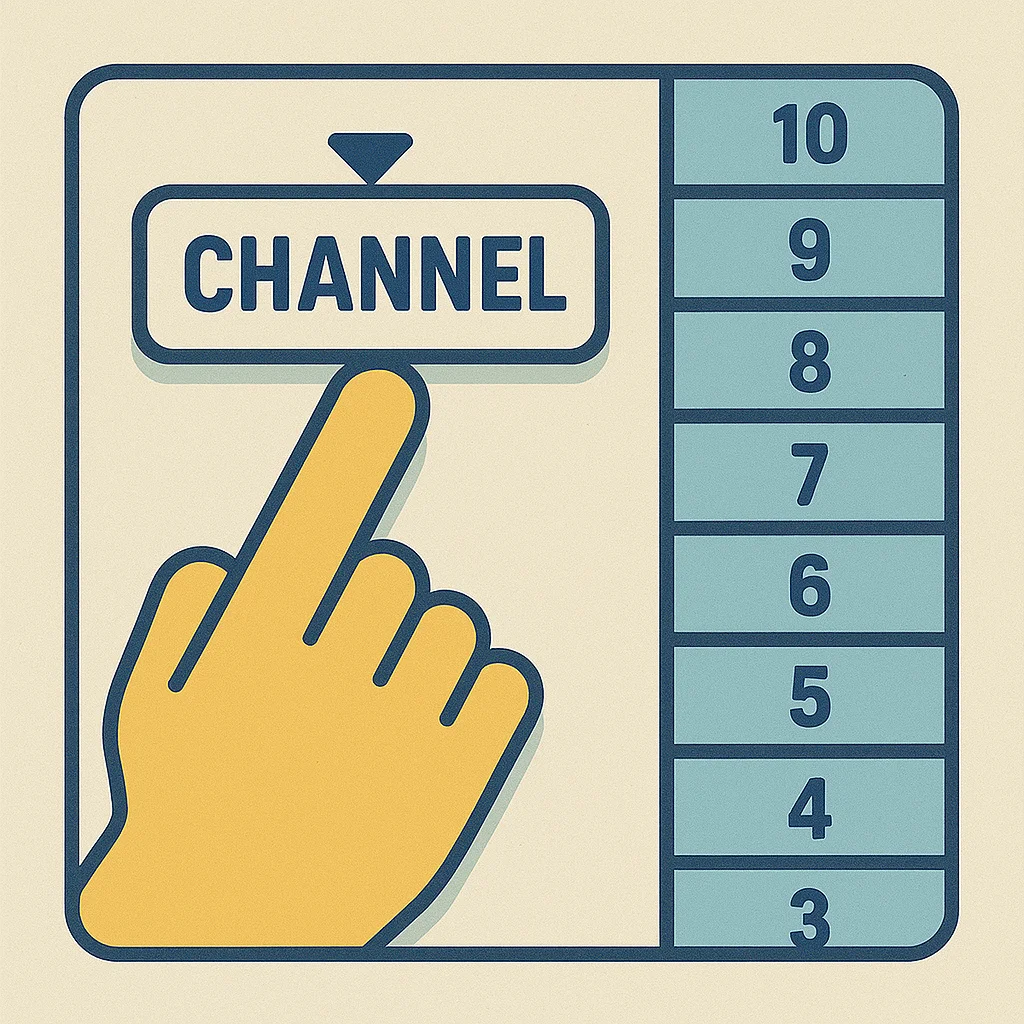
10 switchable channels
Switch between 10 channels (layers). The stick mode is one of the settings saved with each channel, so changing channels changes everything at once. Save a dedicated setup for each game or task and switch instantly with a single button. Customize everything from your PC with the Setting Tool.
Ready for a wide range of game genres
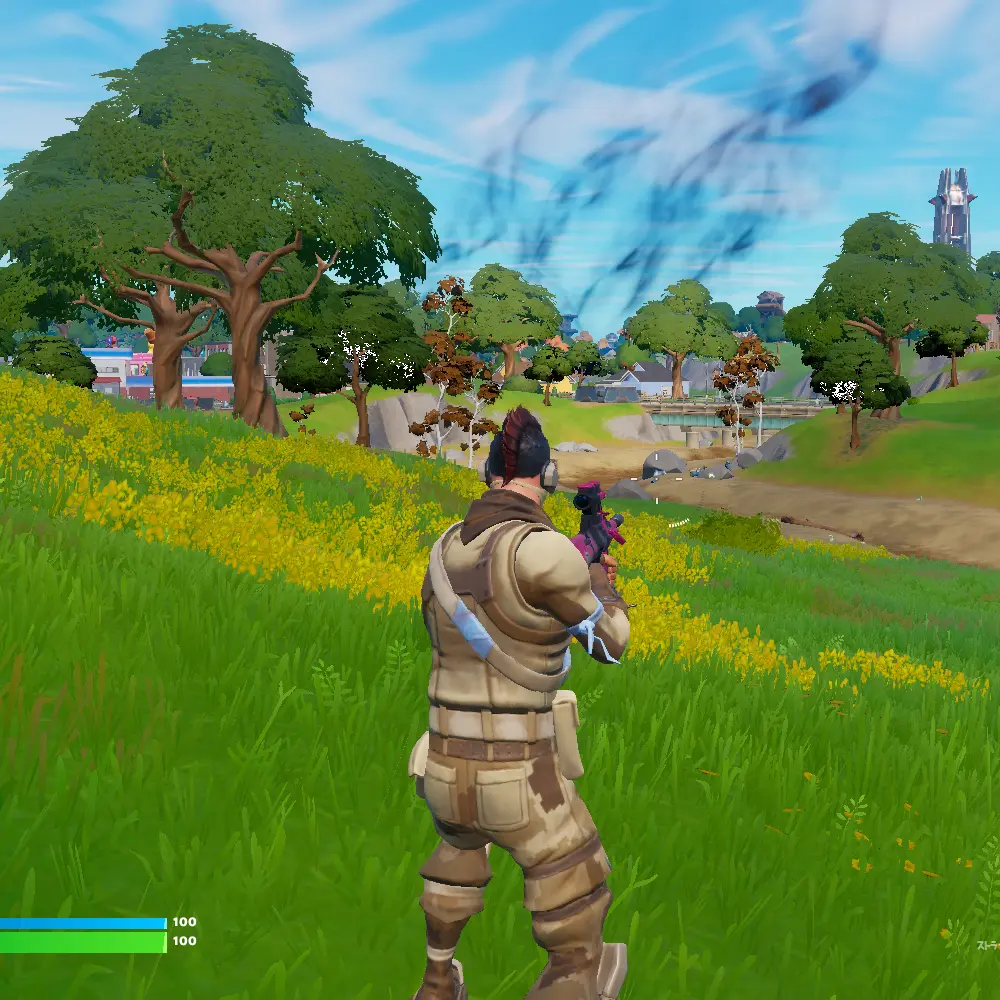
FPS / TPS
Move your character with the joystick. Putting W, A, S and D on an analog stick makes control intuitive.
MMO / MMORPG
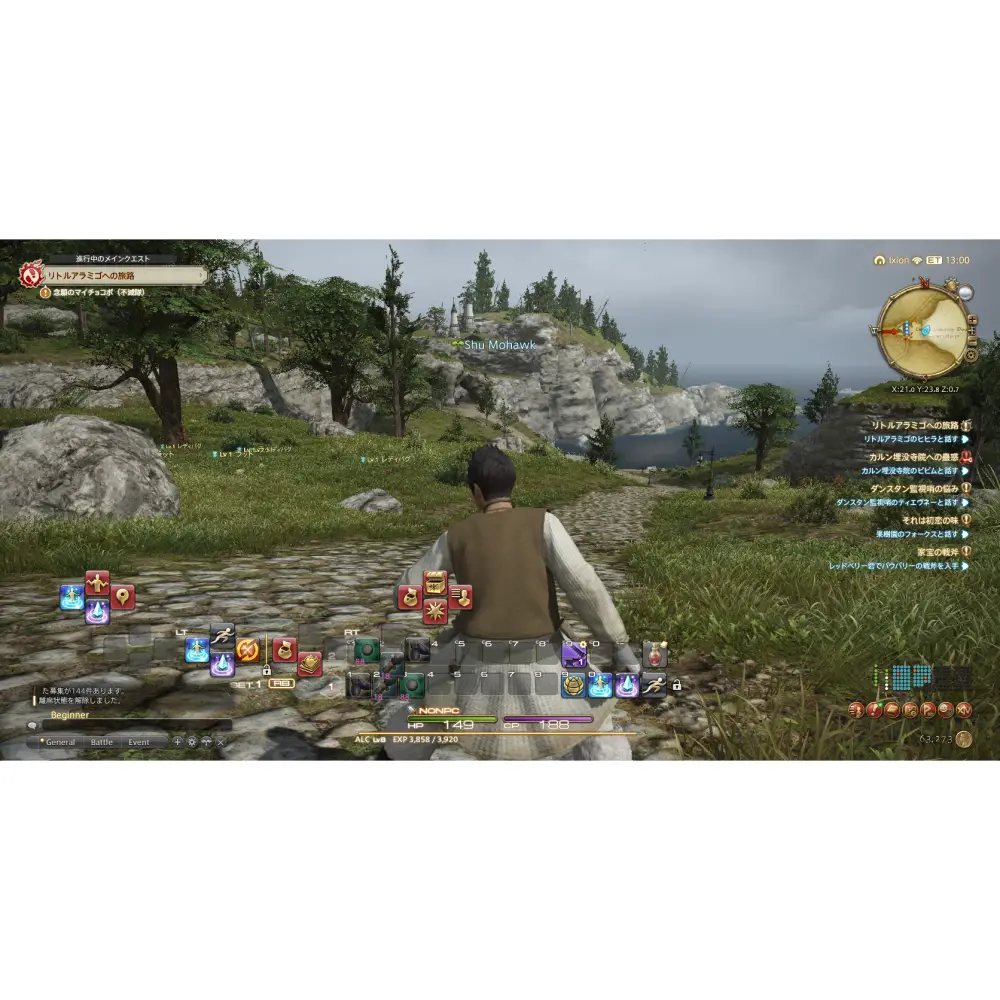
10 channels × 47 input points hold your entire skill bar, and a channel switch keeps up the moment you change jobs.
Key layout
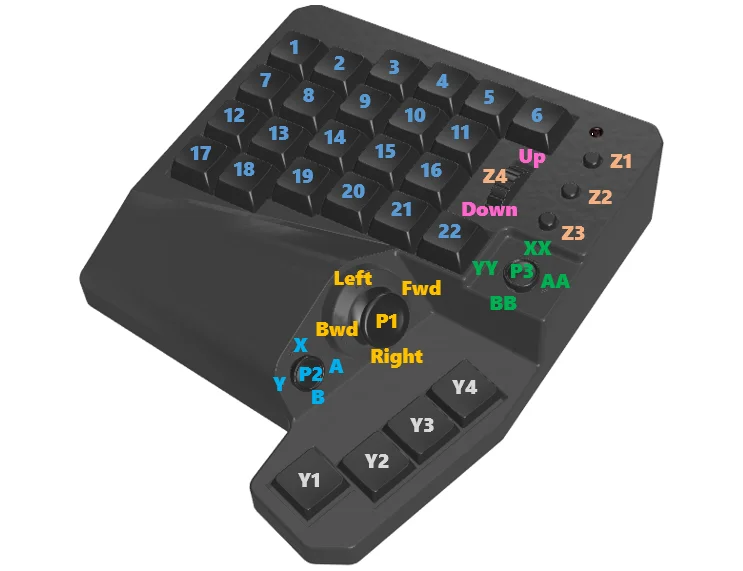
Assign any function to every key. Choose from two layouts: Standard and Flip.
Specifications
| Assignable input points | 47 (22 main buttons / 4 thumb keys / 10 D-pad inputs, push included / 3 wheel inputs, push included / 3 Aux keys / 5 analog stick inputs, 4 directions + push = 47 in total) |
|---|---|
| Joystick | 1 analog stick (DirectInput compatible), with joystick click |
| Modes | 4 modes (Game / Work / Mouse / Pad) |
| Channels (layers) | 10 channels (each channel stores its own mode setting) |
| Connection | USB Type-A (wired) |
| Supported OS | Windows 10 / 11, macOS (Pad mode is not available on macOS) |
| Key switches | Mechanical switches (red / blue / brown / silver and others) |
| Setting Tool | Dedicated Setting Tool (Windows / Mac: beta version) |
| Release date | December 2025 |
What customers say
“Switching from my old left-hand device was the right call”
I switched from the left-hand device I used before. The build quality and rigidity are clearly a step up, and I have no complaints even after long sessions. I think it is worth choosing even over products from the big brands. I can confidently recommend it both to first-time left-hand device users and to anyone thinking of switching.
From an Amazon buyer review
“The Hall-effect stick is on another level”
The analog stick with a Hall-effect sensor gives you smooth, gamepad-like control. With 10 stored profiles, there is plenty of freedom to customize. It is polished enough that I would tell anyone considering their first left-hand device to start with this one.
From an Amazon buyer review
“So many buttons, so much more freedom”
Especially good for anyone who struggles with WASD or wants lots of buttons. The stick feels good and it feels built to last. The sheer number of buttons translates directly into range and freedom of control, which makes it a dependable choice for players who play across several genres.
From an Amazon buyer review
“Light keys that don’t tire your fingers, even after hours”
The keys are noticeably lighter than on other left-hand devices, so my fingers don’t tire even when mashing. The software is simple and lightweight, and once the initial setup is done it never feels sluggish. You can fine-tune it to your hand, for example by changing the keycaps on keys you tend to hit by accident.
From an Amazon buyer review
* These are our summaries of buyer reviews posted on Amazon.
Buy
MH-Device products are sold only on Amazon and BASE.
MH-Zeta variations
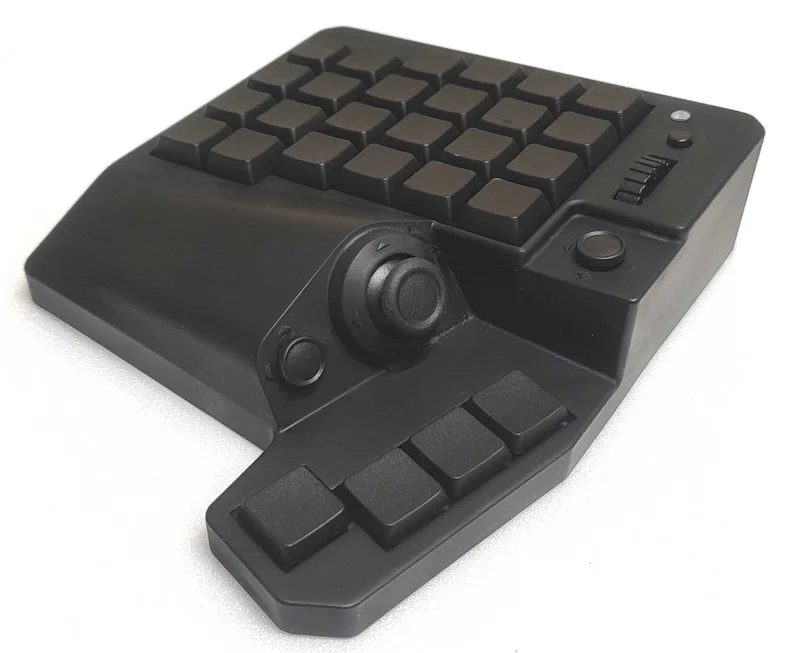
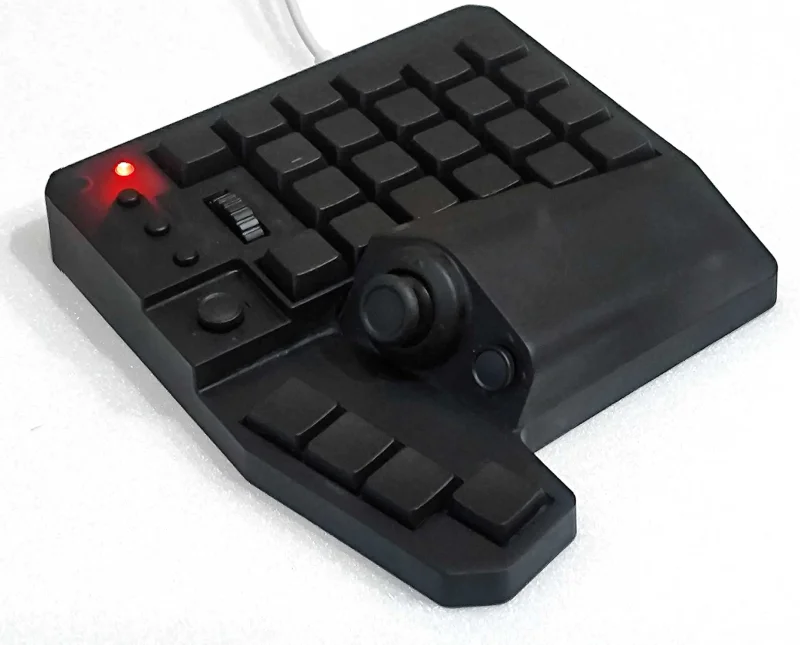
Customized models are available only from our BASE shop
Prefer something more compact? Try MH-Delta
If you are looking for a more compact, simpler one-handed keyboard, take a look at MH-Delta. It packs a joystick and keys into a slim body that is easy to take with you.