A keyboard is built for typing. MH-Delta is built for playing.
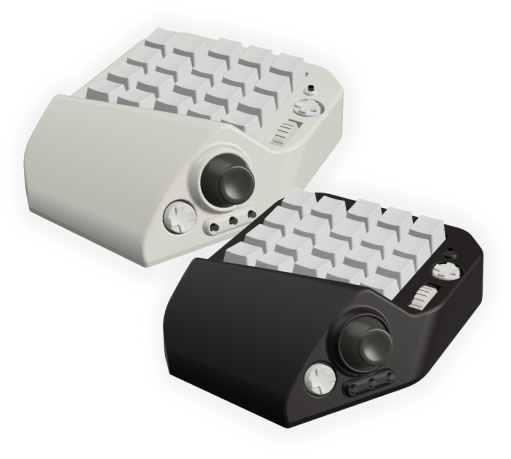
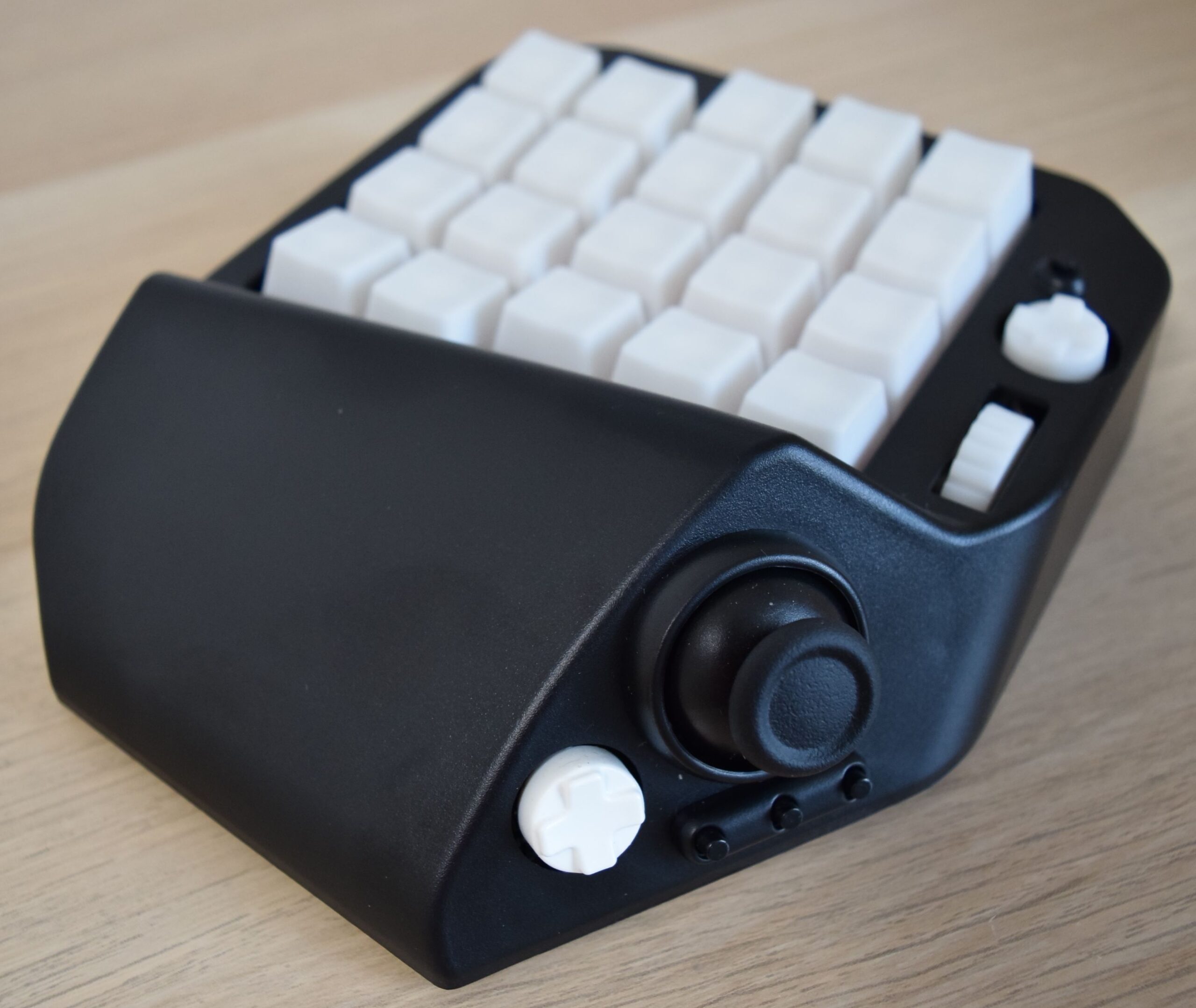
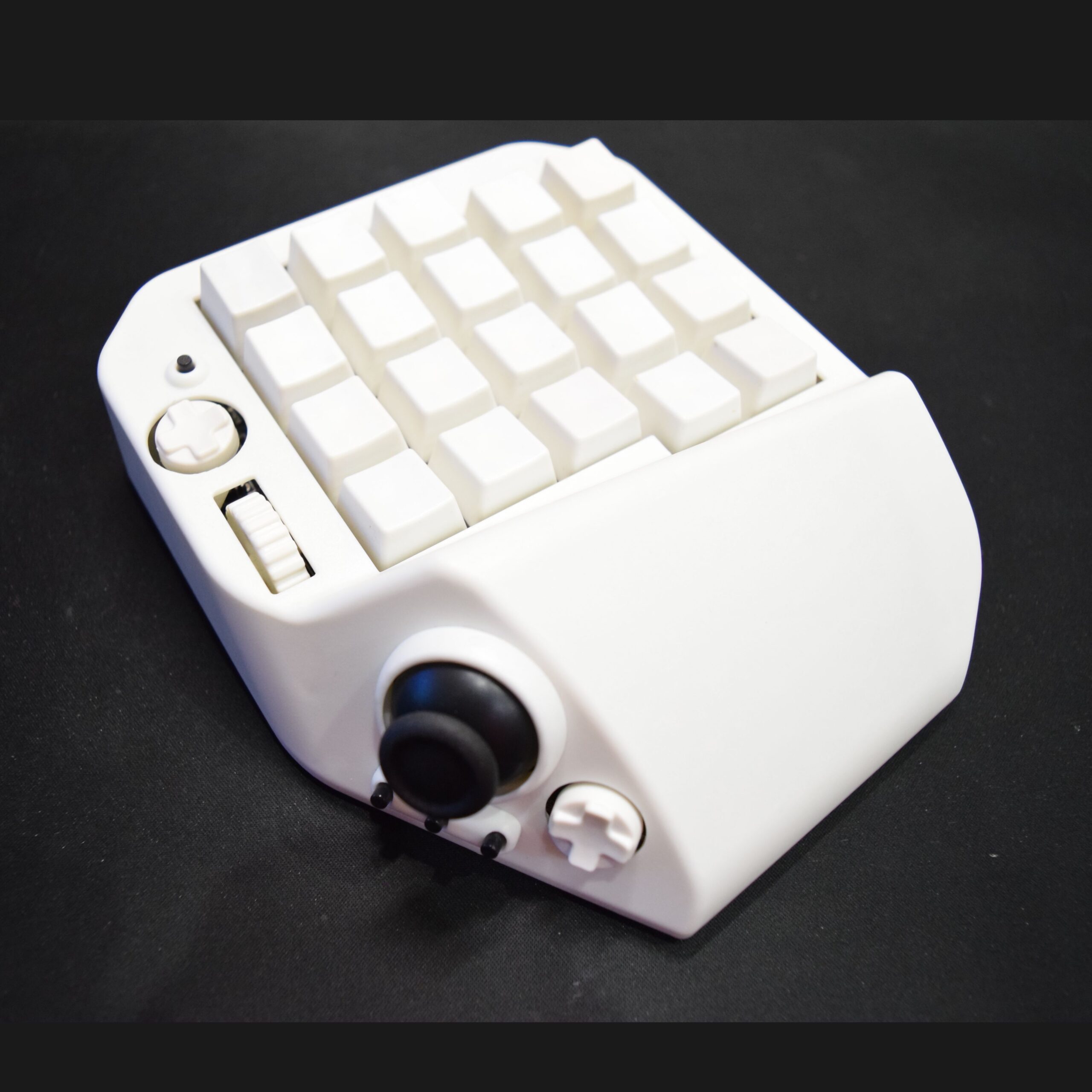
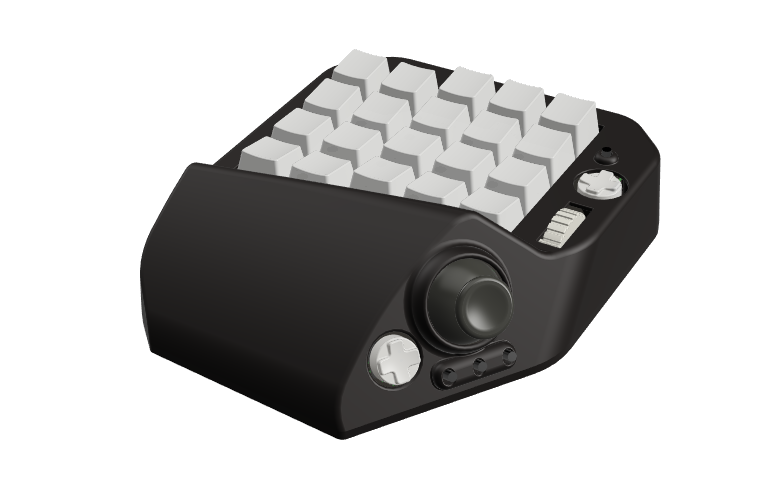
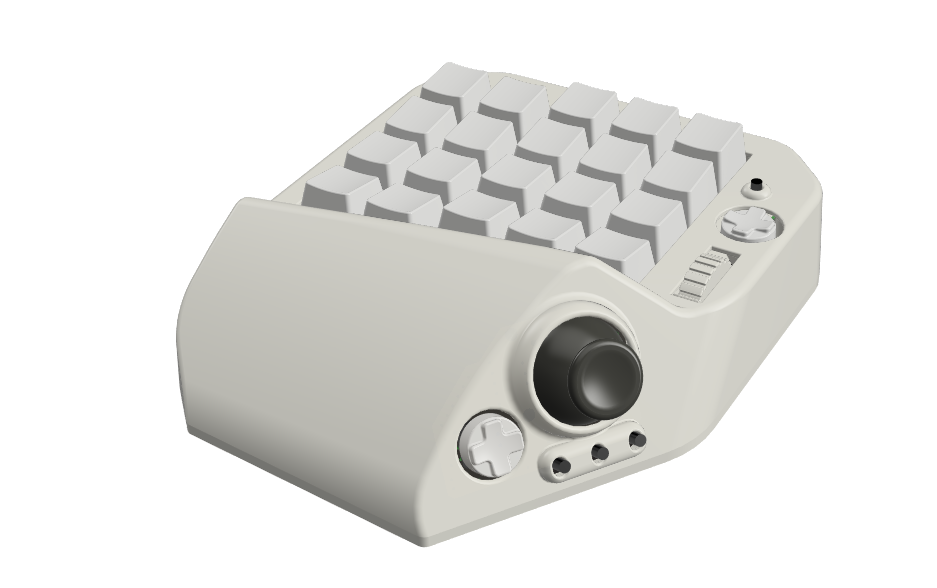
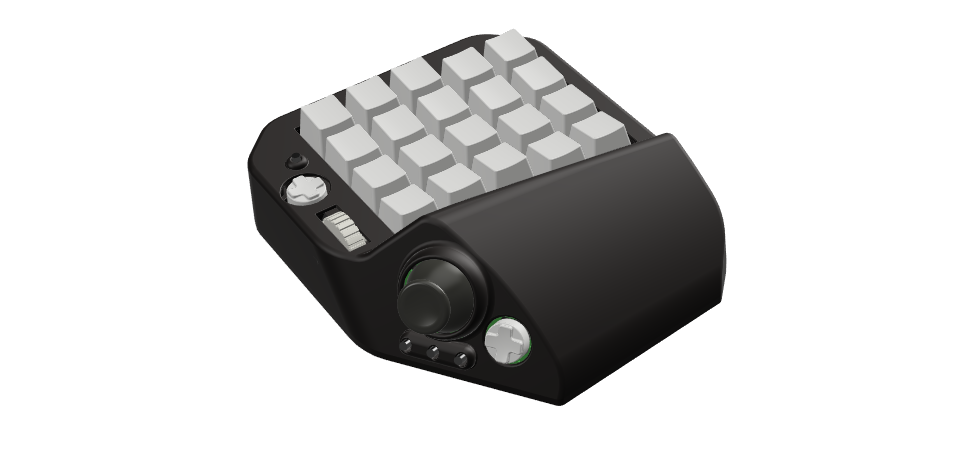
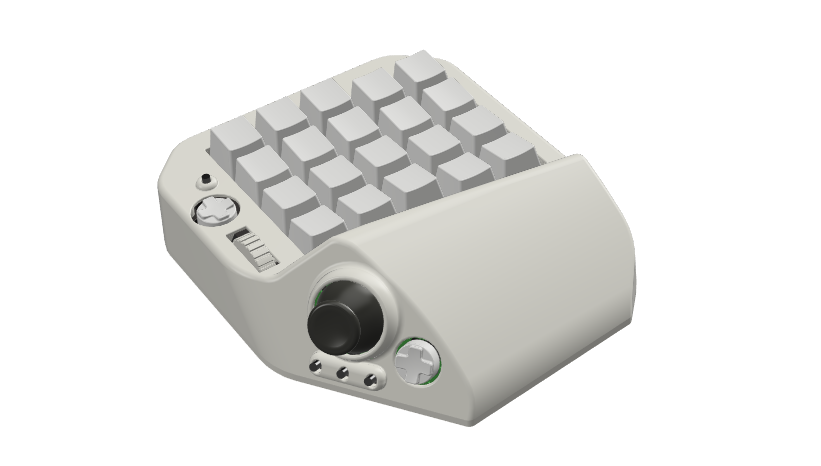
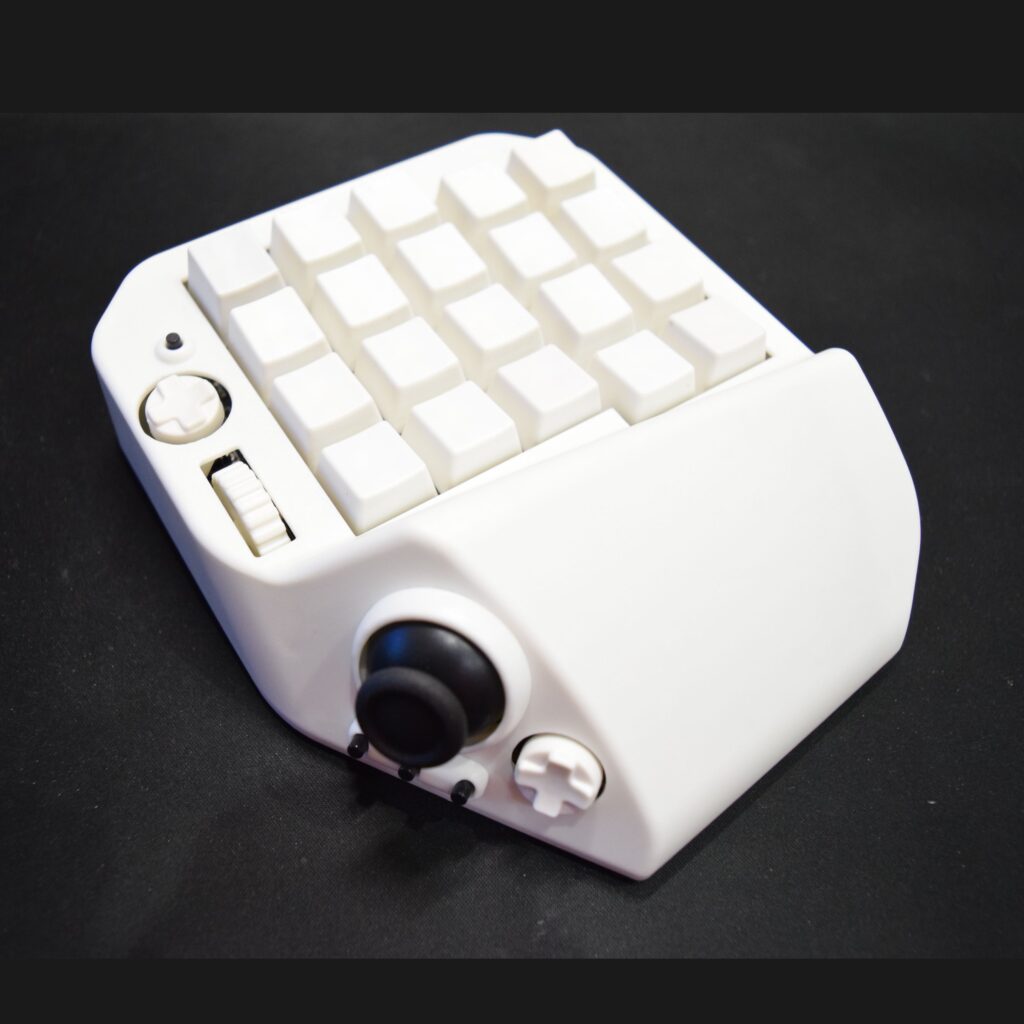
A small body packed with features, and a joystick for intuitive character control
MH-Delta is a USB device for PC, designed for moving your character in 3D games, FPS and TPS included. Most PC games put movement on the W, A, S and D keys, which is far from intuitive. MH-Delta maps W, A, S and D to a joystick, so you can steer your character with nothing but your thumb, just like on a Nintendo Switch, PlayStation or Xbox. In games that support DirectInput, analog input is available as well.
30+ built-in buttons
Beyond the joystick, MH-Delta has more than 30 built-in buttons, and you can put any key you like on each of them. Every button sits where it is easy to press, so your fingers travel far less than on a regular keyboard. There is also a mouse-wheel-style control, and scroll up and scroll down can be assigned keys just like any other button. With MH-Delta you get the strengths of a gamepad and of keyboard-and-mouse at the same time, which makes it a great fit if moving your character in PC games has always felt awkward.
How it differs from similar devices
- The joystick is not made of click-type buttons.
- The joystick supports DirectInput analog input.
- 20 buttons with mechanical switches.
- Onboard memory stores your key bindings.
- 41 assignable input points, all within minimal finger movement.
- A compact body.
Features
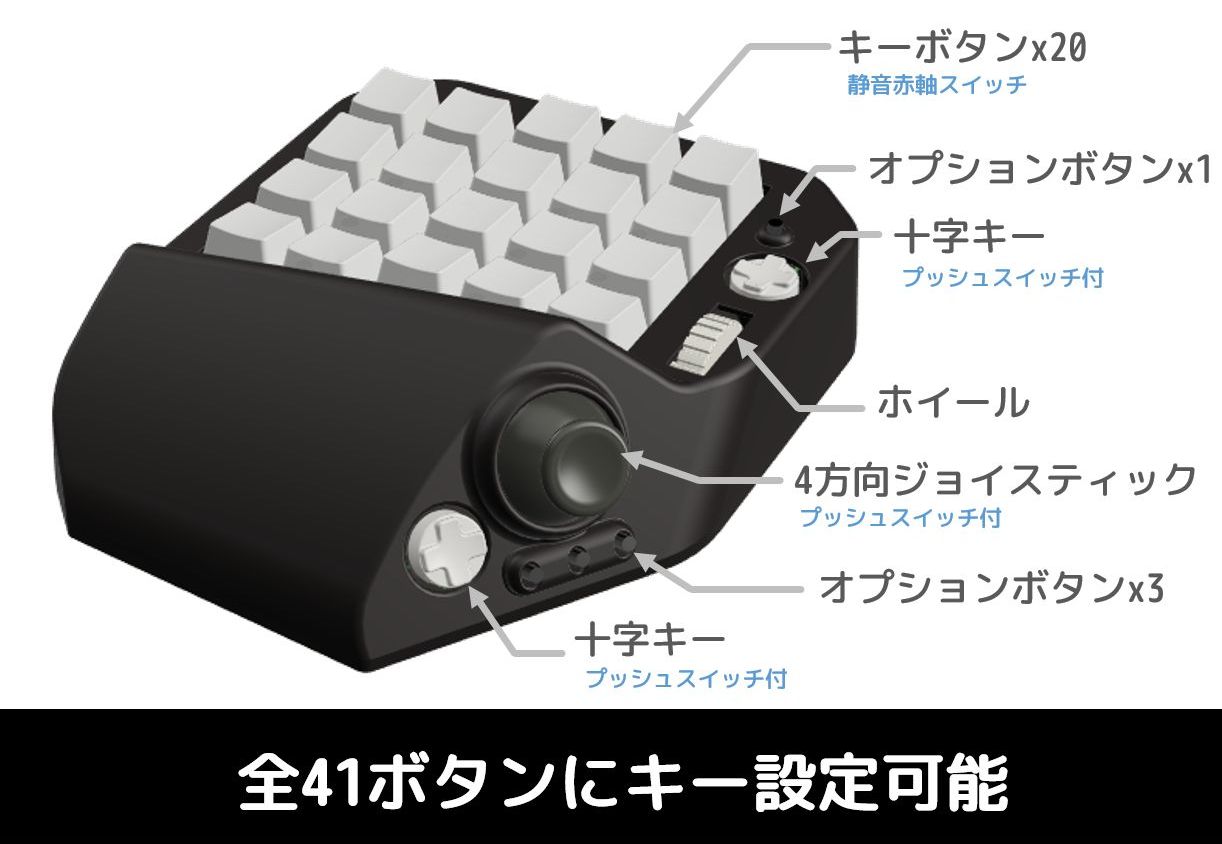
A joystick and plenty of buttons
Move your character intuitively with just your thumb, the way you always have on a controller. The thumb area also carries a D-pad and three option buttons. On top of the body you will find 20 buttons, a D-pad, a wheel and option buttons, ready for all kinds of uses.
Compact body
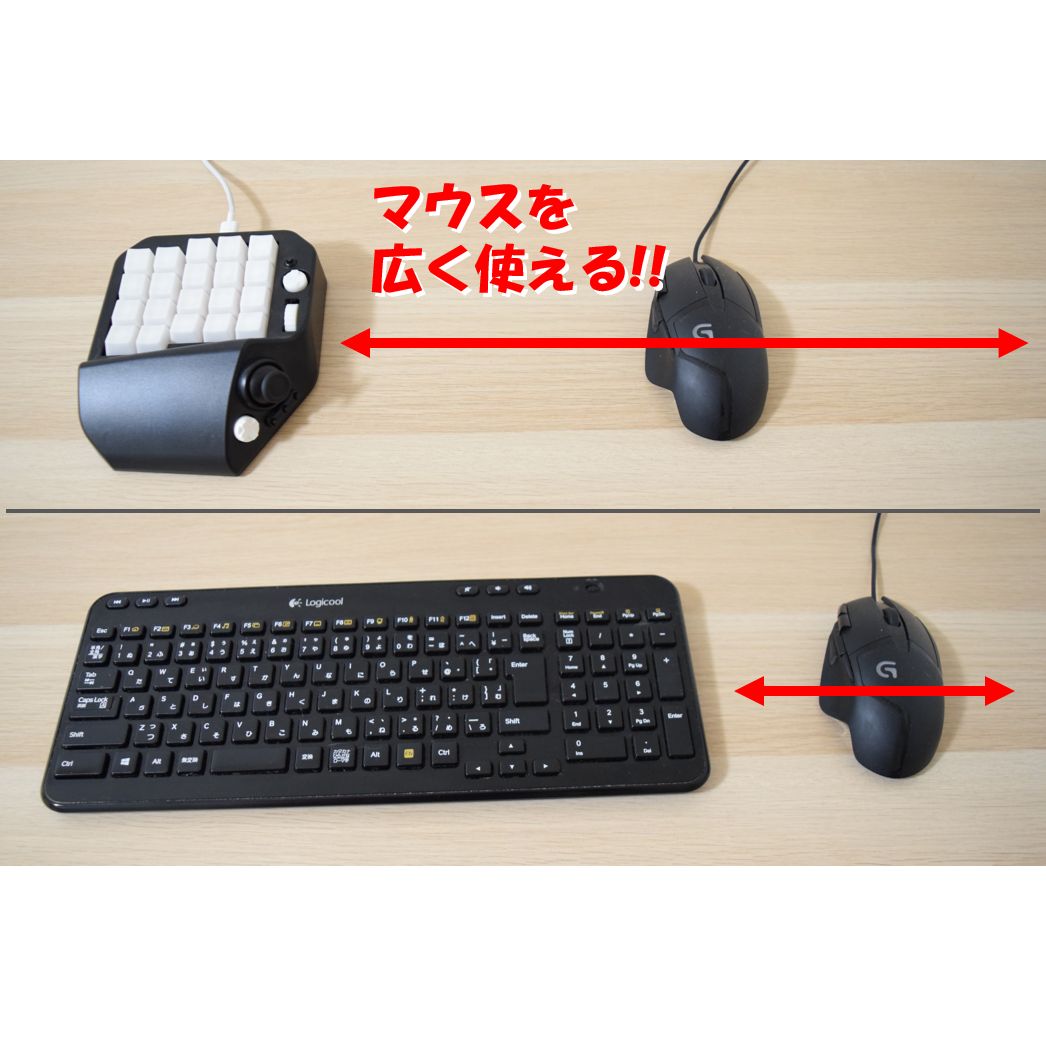
In FPS and TPS games, aiming with the mouse is what matters. MH-Delta’s compact body leaves plenty of room for your mouse to move, so you can play comfortably even in a tight space.
Four modes
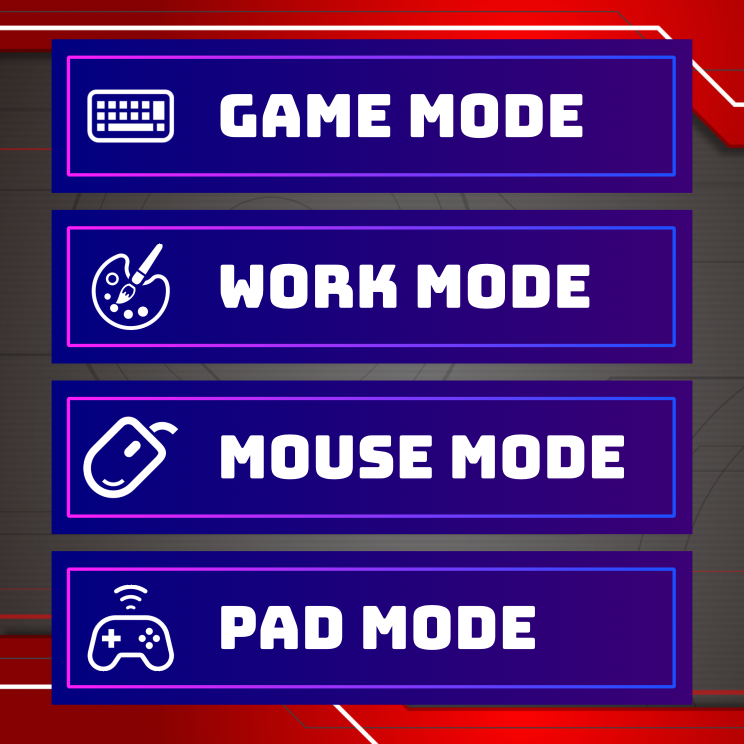
In the Setting Tool (described below) you can choose from the four modes below. The difference between them is mainly how the analog stick behaves.
[Game mode]
The standard mode. Assign WASD or any other keys to the analog stick.
[Work mode]
Works like Game mode, but prevents unintended diagonal input. Well suited to illustration, 3D work and other creative tasks.
[Mouse mode]
Move the mouse cursor with the joystick.
[Pad mode]
The analog stick behaves like the analog stick of a DirectInput gamepad.
Multi-channel
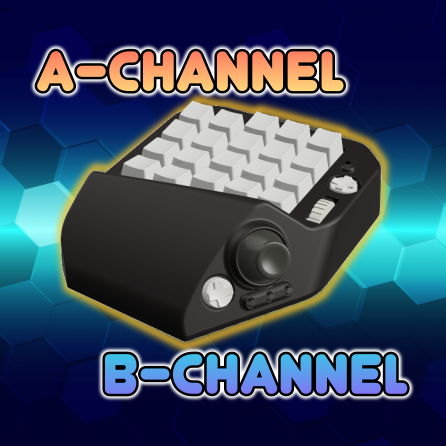
MH-Delta stores two sets of key settings (Channel A and Channel B), and you can switch between them with any button you choose. Use Channel A for gaming and Channel B for work, and move between them in a moment.
Setting Tool
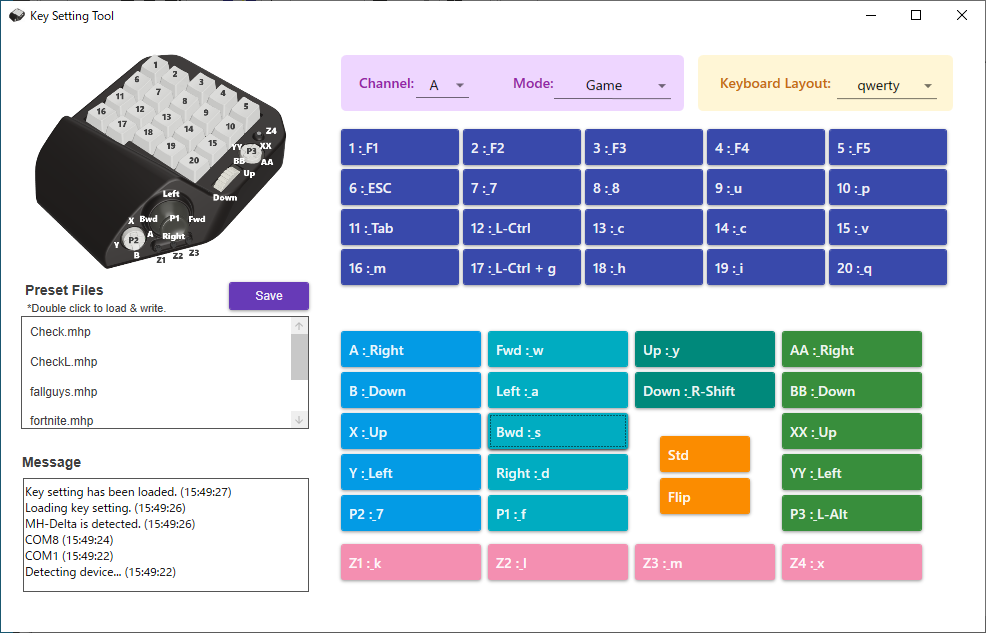
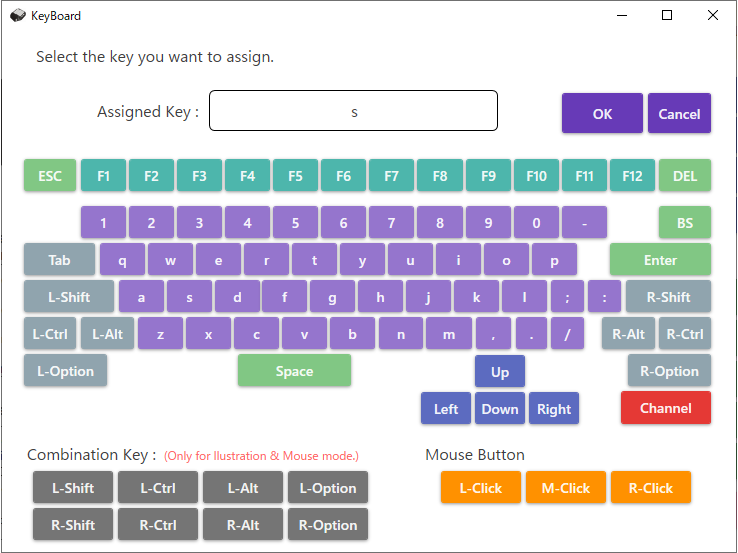
Use the Setting Tool to configure the following. For details, see the user manual (PDF).
- Key assignments for each button
- Key settings for each channel
- Operating mode
- Firmware updates for the device
Along with basic keys such as A–Z and 0–9, you can assign Shift, Ctrl, Alt, Backspace, function keys F1–F12 and more.
A–Z keys can be combined with Ctrl, Shift and other modifiers, so you can also use them as shortcuts such as copy and paste for everyday work.
Made for many uses
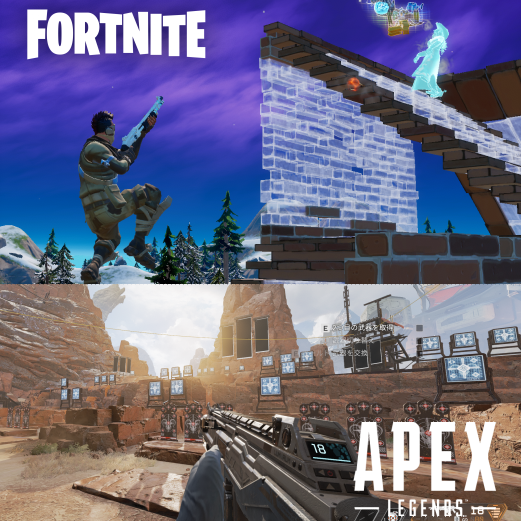

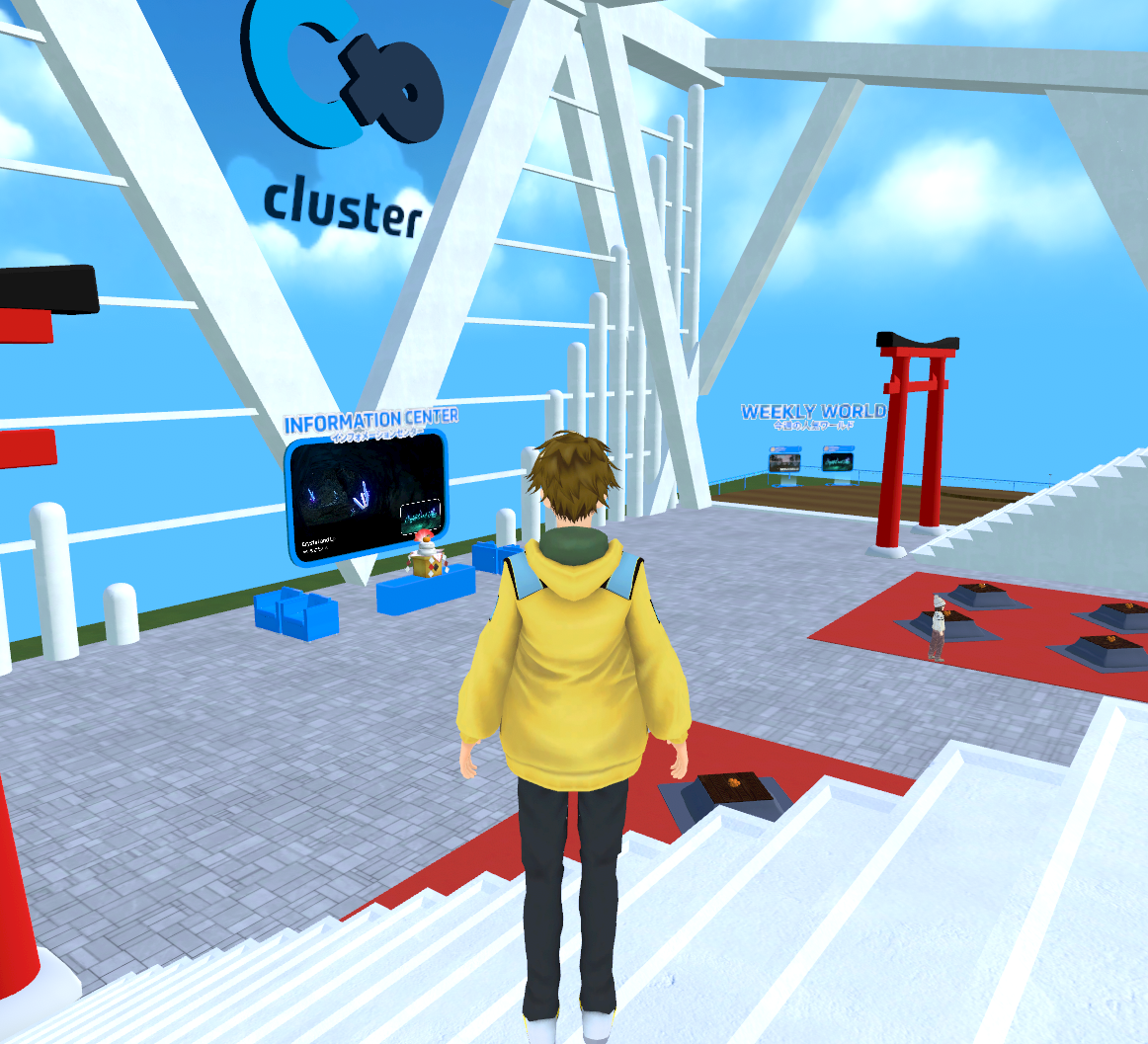
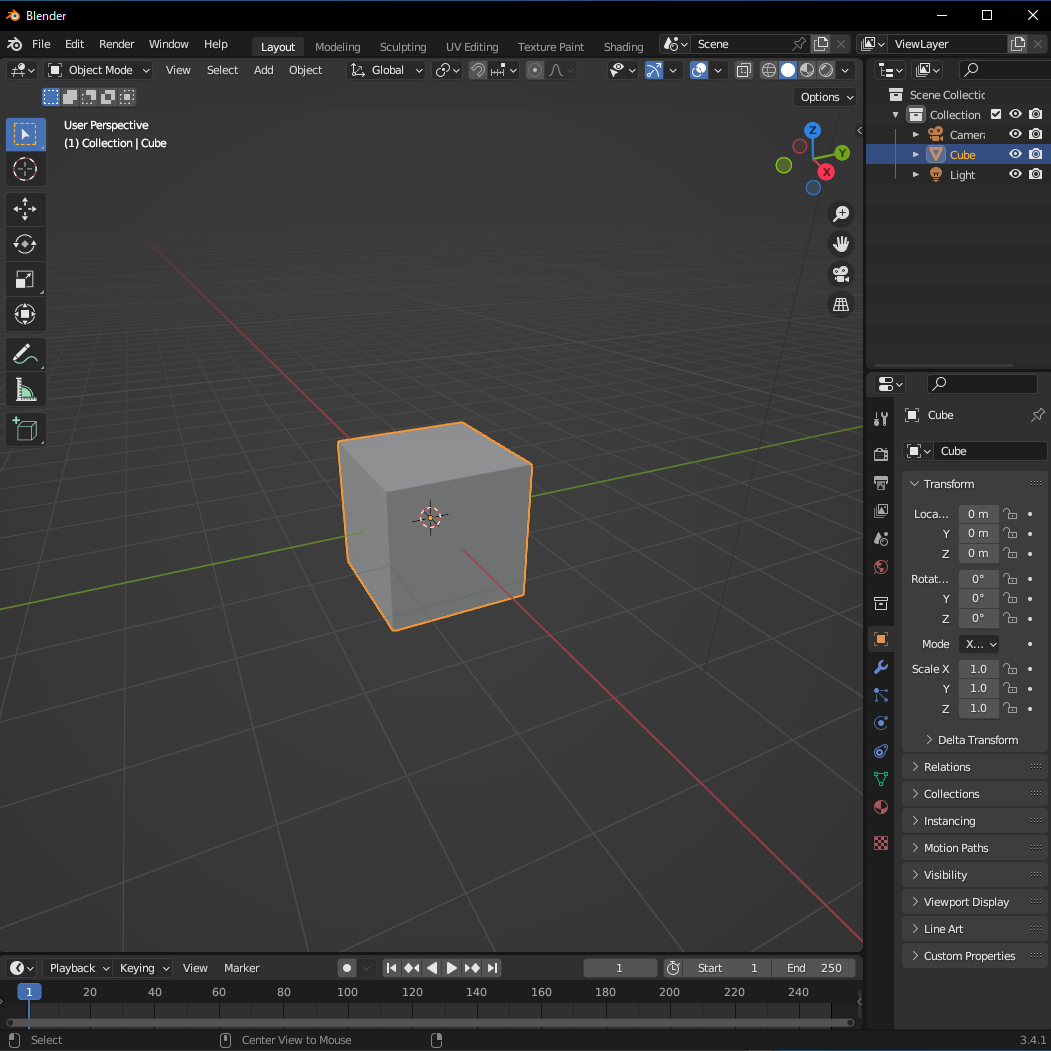
A left-handed version is available too
Most devices of this kind are made for right-handed players (one-handed keyboard in the left hand, mouse in the right).
In response to strong demand from left-handed players, MH-Delta is also available for those who use a one-handed keyboard with their right hand.
What customers say

Simple and easy to use. The key-assignment software is simple and intuitive. I bought it to use with FPS games.
MH-Delta owner

Similar products had no left-handed option, which was frustrating. I’m glad the day has finally come when I can actually use an analog stick, thanks to MH-Delta.
MH-Delta owner
Want more? Meet the higher-end MH-Zeta
For our flagship model with a joystick, 10 channels and four modes, take a look at MH-Zeta. With 47 assignable input points, it covers an even wider range of FPS, MMO and creative work.