Download setting tools and user manuals here.
Setting Tool for all models

Setting Tool v24 (History)
Windows on ARM is not supported (some functions are limited).
* Notes on first launch
Windows
You may see the message “Windows protected your PC.”
For what to do, see this page. ⇒ First launch on Windows
Mac
You will see a message that the app can’t be opened because the developer cannot be verified.
For what to do, see either of the following. ⇒ • Apple (official) • MH-Device video
X-Input Conversion Tool (for Windows) – test version

MH-Device products work as DirectInput pads only, but with this app running they can be used as an X-Input gamepad.
See the MH-Device YouTube video for how to use it. (How-to video: here)
* This is a test version, so we cannot provide support for driver errors and similar issues. Thank you for your understanding.
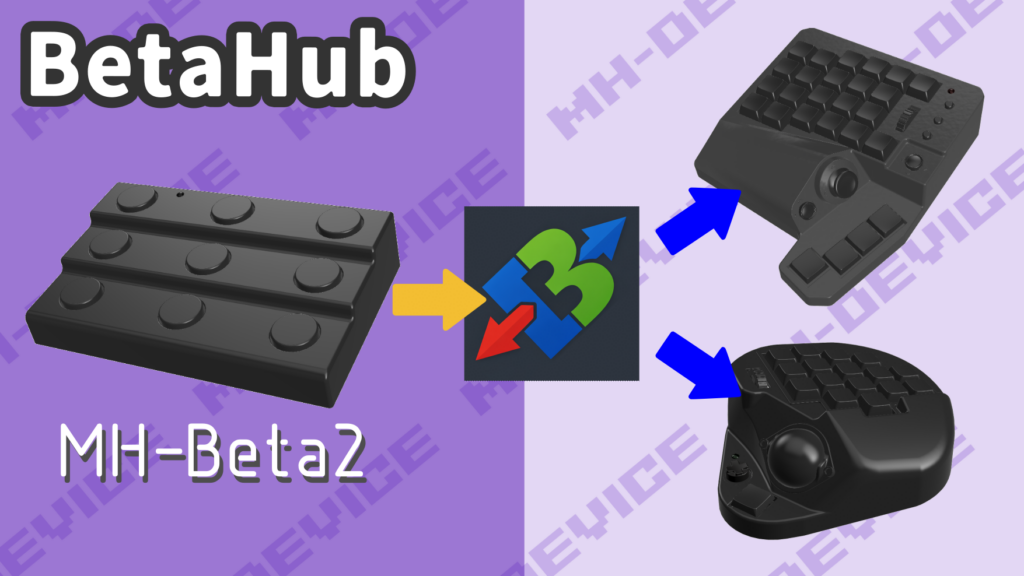
BetaHub (for Windows)
Data by model
MH-Alpha

MH-Beta

MH-Beta2
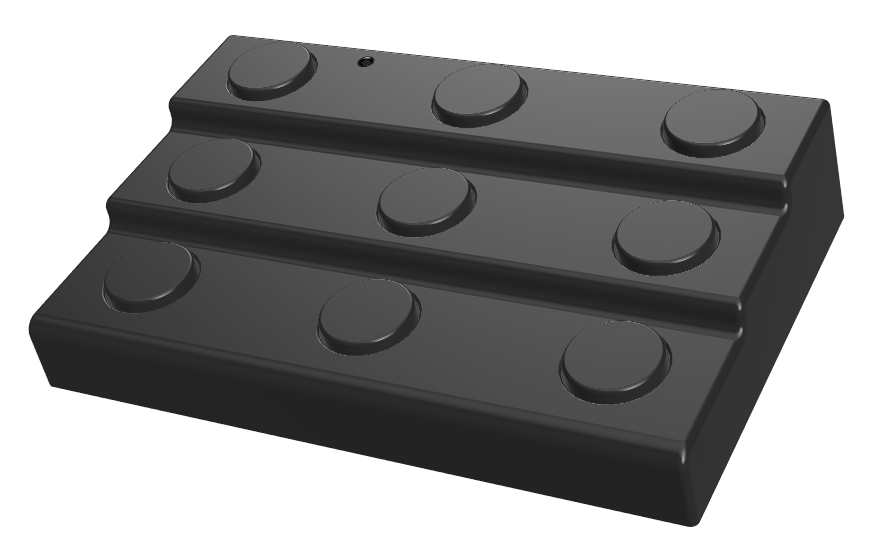
Firmware
Manual (English)
MH-Delta

MH-Epsilon

MH-Epsilon2
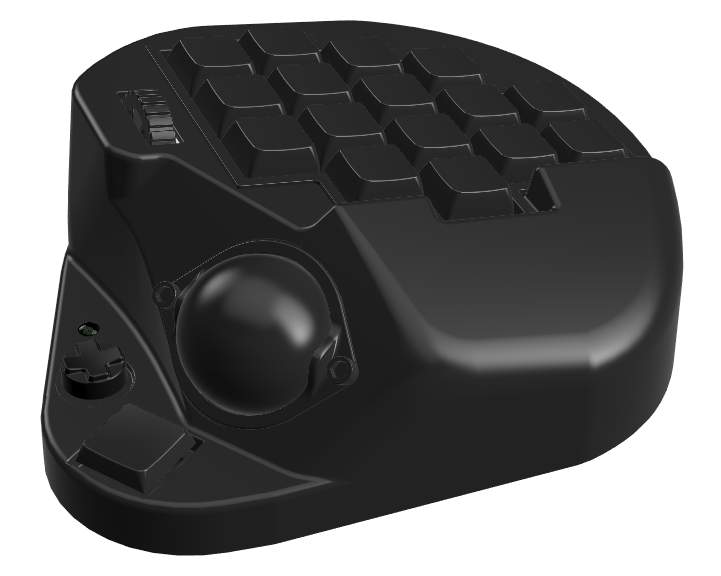
Firmware
Manual (English)
MH-Zeta

MH-Theta

Firmware (History)
Manual (English)
Download(v1)