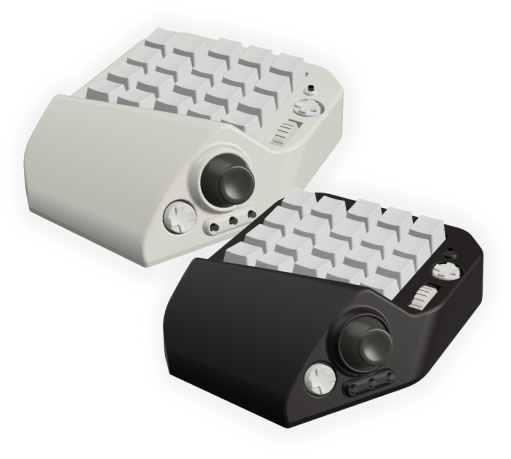
MH-Device was born in 2022. It all started when one ordinary middle-aged guy ran into a shooter called Fortnite.
This page tells the story of how MH-Device got here: a device built by a clumsy player to get past his own “I can’t.” I hope that story turns into someone else’s “I can.”
Meeting Fortnite
Toward the end of 2020, I discovered a game called Fortnite. Many of you will know it: a third-person battle royale. And it is a busy game. Building, moving, fighting… everything comes down to split-second decisions.
Fortnite runs on all sorts of hardware, and at first I played it on a Nintendo Switch. Easy to pick up, playable lying down. Perfect.
…or so I thought, for about five minutes.
Lining up a rifle shot with a controller’s analog stick turned out to be really hard. I couldn’t hit anything… (lol)
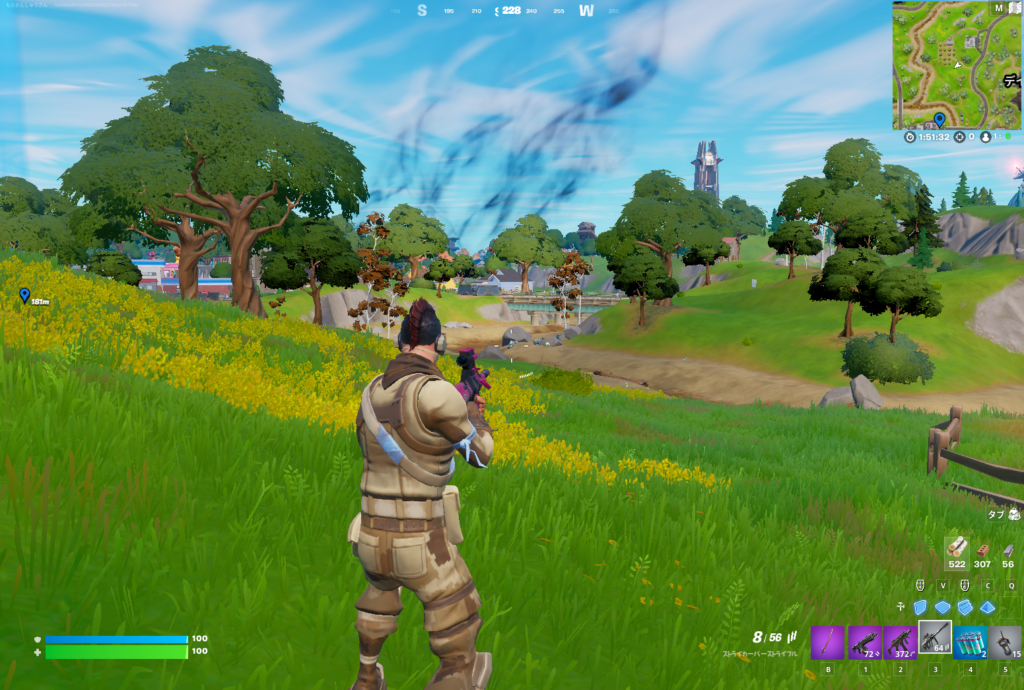
“Great… at this rate I’m never going to win a single match…”
The mouse is a friend. The keyboard is the enemy.
After wrestling with my “can’t hit anything” problem on the Switch, I took the plunge and moved to the PC version.
“If I can aim with a mouse, surely I’ll hit more?” So I tried again, this time with keyboard and mouse.
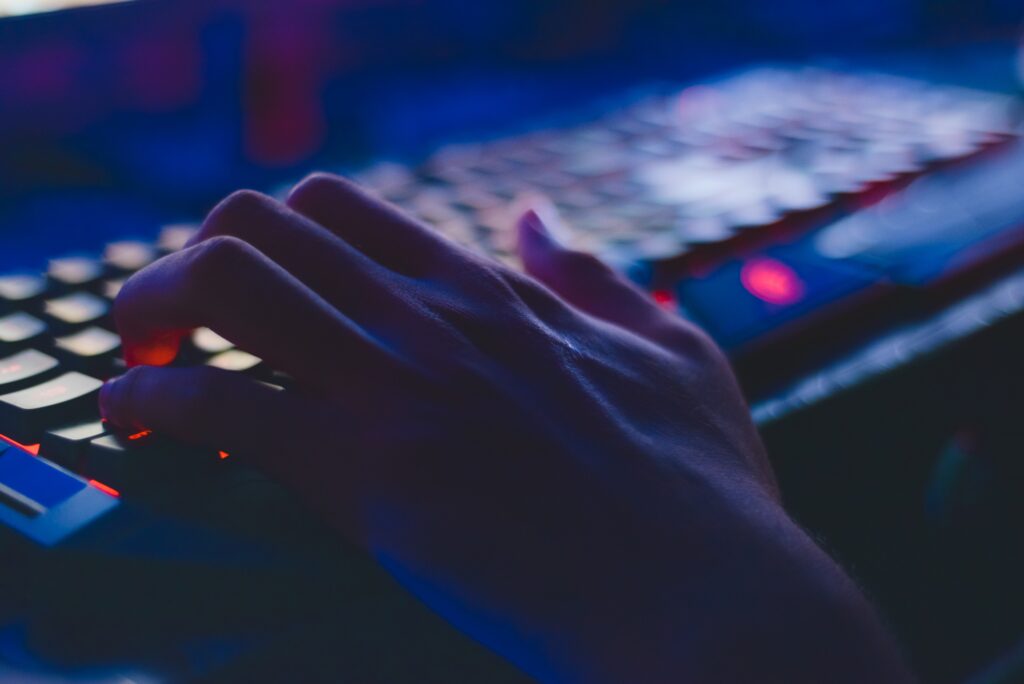
My first reaction was:
“Wait, gaming on a keyboard is this hard? lol”
Yep.
With a mouse I had used for years, my aim got a lot better. A mouse gives you a wide range of motion and fine control, and it really is made for aiming. I started landing a fair number of shots, but I soon hit a different wall. In PC games, Fortnite included, the standard is to move your character with the W, A, S and D keys, and that turned out to be ridiculously hard…
I grew up on the original 8-bit consoles, so for me, moving a character means “one thumb.” On a PC keyboard you have to work the keys with three fingers… I just couldn’t control anything properly. And Fortnite is all about speed. In a game that fast, while you are checking where the keys are, someone shoots you and it’s over. In the end, I was doing even worse than on the Switch… I had jumped to PC full of hope, and what was waiting for me was yet another wall: the controls.
The day I decided to ditch the keyboard

After going through “WASD hell” in the PC version of Fortnite, a thought hit me. A keyboard is basically a tool for writing, so of course it isn’t built for games. “So why not make a device built just for gaming?” I started thinking it through, and using what I knew about electronics, programming and mechanical design, I set out to build a device made for 3D games. That was around the summer of 2021.
Of course I knew similar devices were out there. But they didn’t have onboard memory, or they were big, or they lit up (lol), and somehow none of them was quite “the one I wanted.” So what I aimed for was something simpler that would feel right in my own hand.
I started by sketching more than 10 different shapes in 3D CAD, hunting for one that fit my hand.
It didn’t even have a name yet,
but quietly, work had begun on a device to rescue the player I was back then.
Move the world with one thumb.
The goal was simple, and ambitious: “Move with one thumb, aim with the mouse. More freedom, more comfort.”
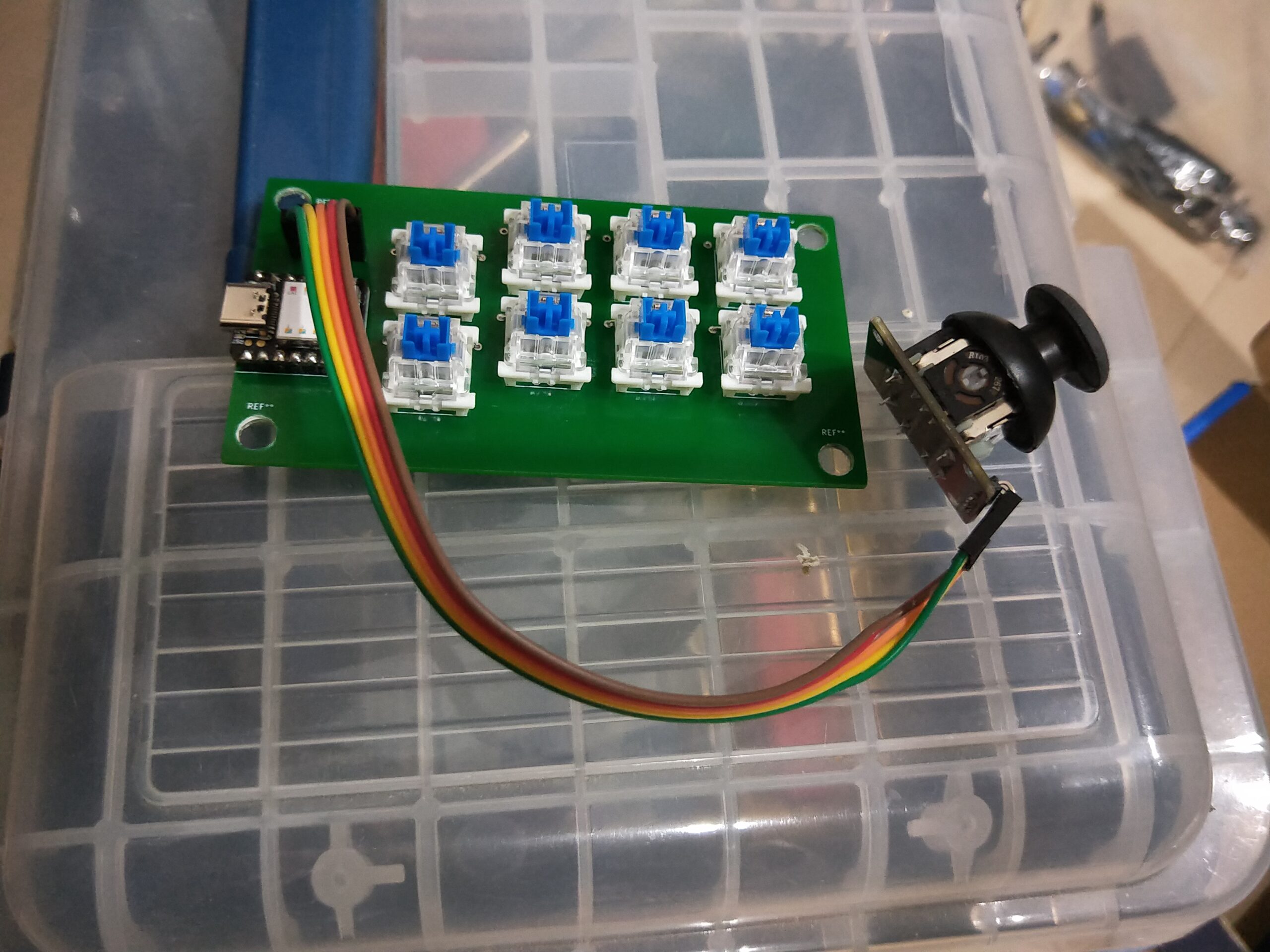
To start, I got hold of a hobby-electronics analog stick and set out to test whether I could map WASD to it.
I wired it into a bare circuit and gently tilted the stick.
…and my character glided forward.
“Whoa, it moved…!”
It responded so nicely that I said it out loud. The character moved properly, with a feel close to a regular controller. In that moment I suddenly thought, “This might actually work…!” and my motivation shot way up.
You can’t go into battle with bare wires
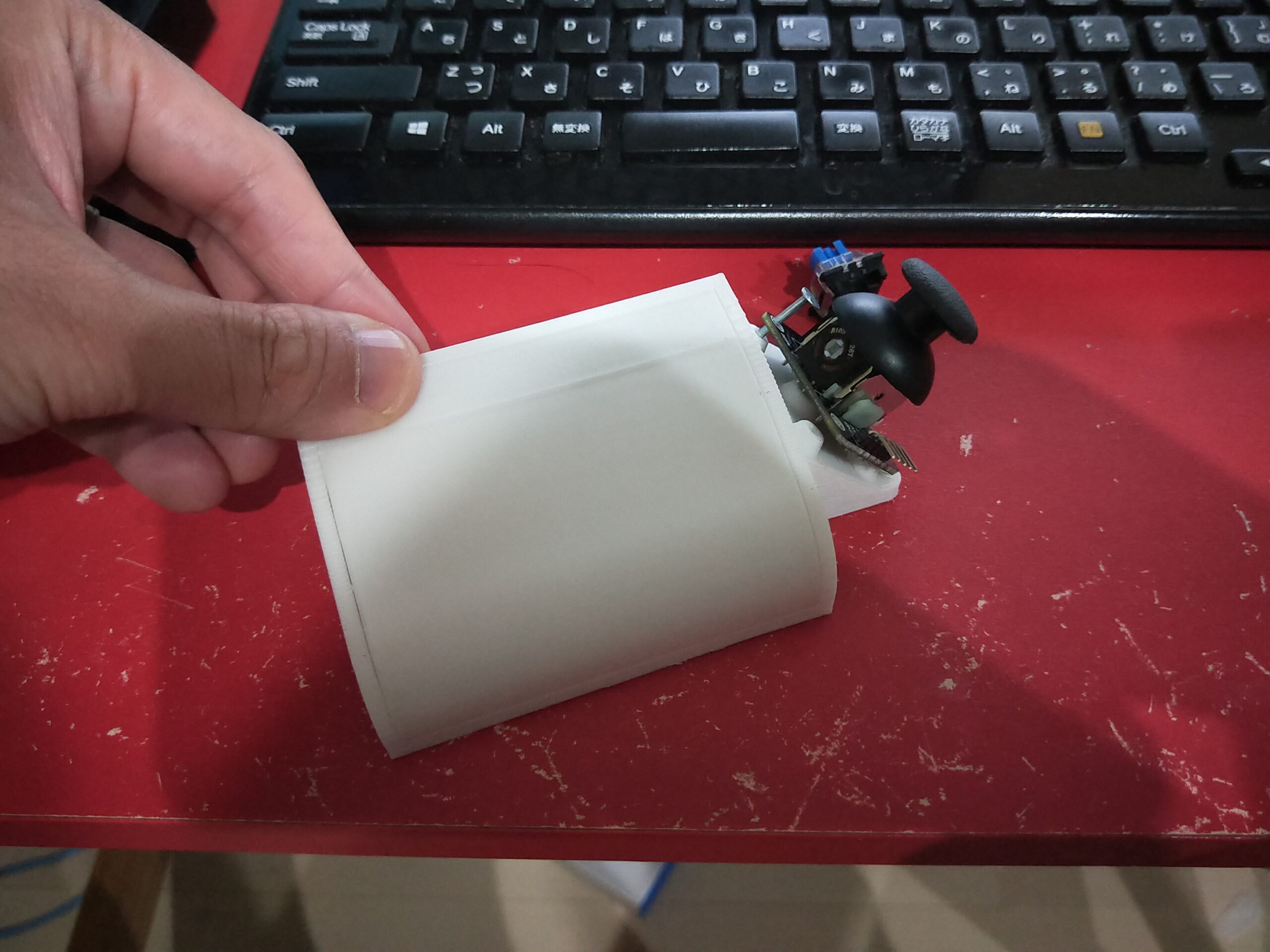
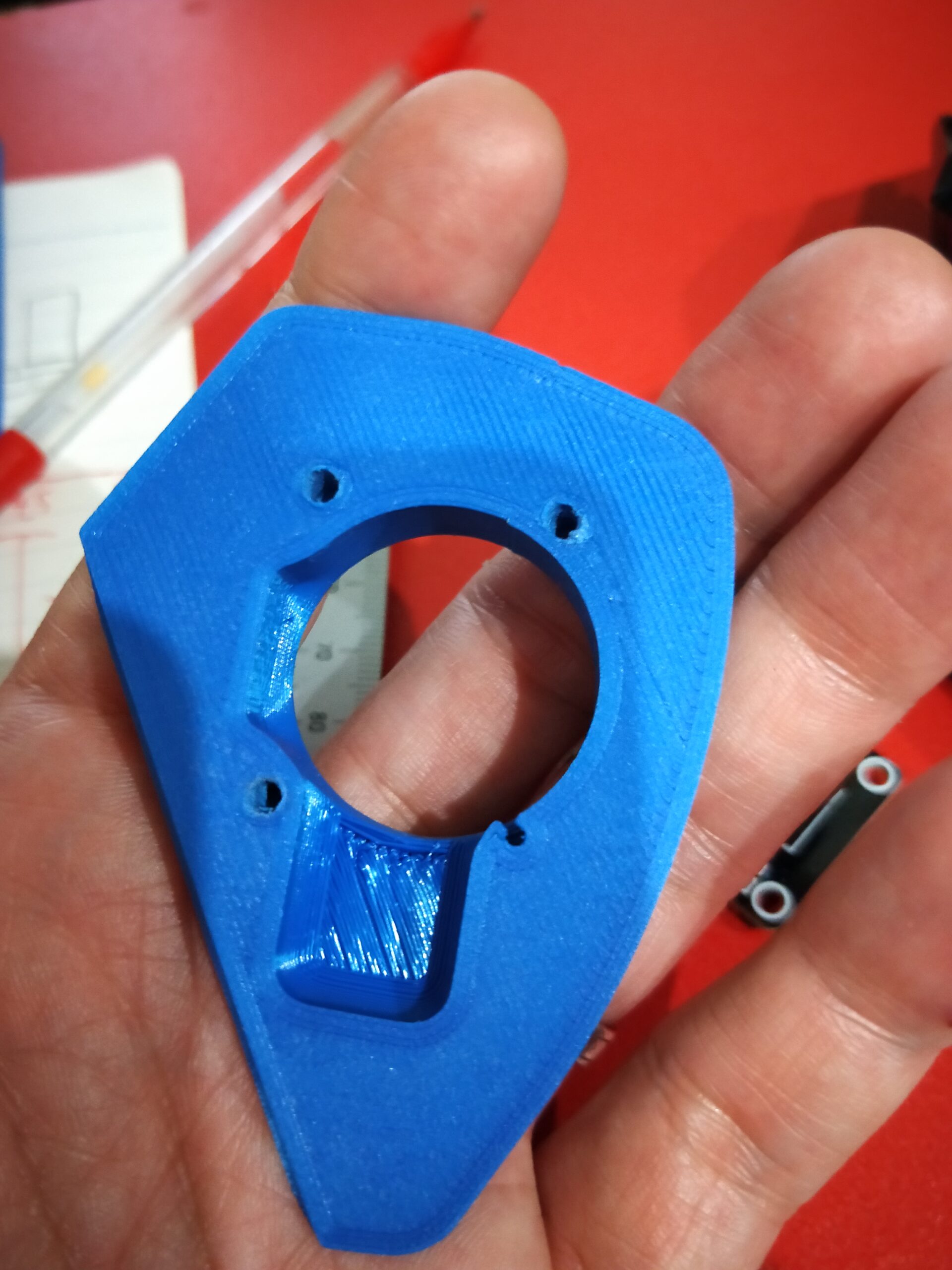
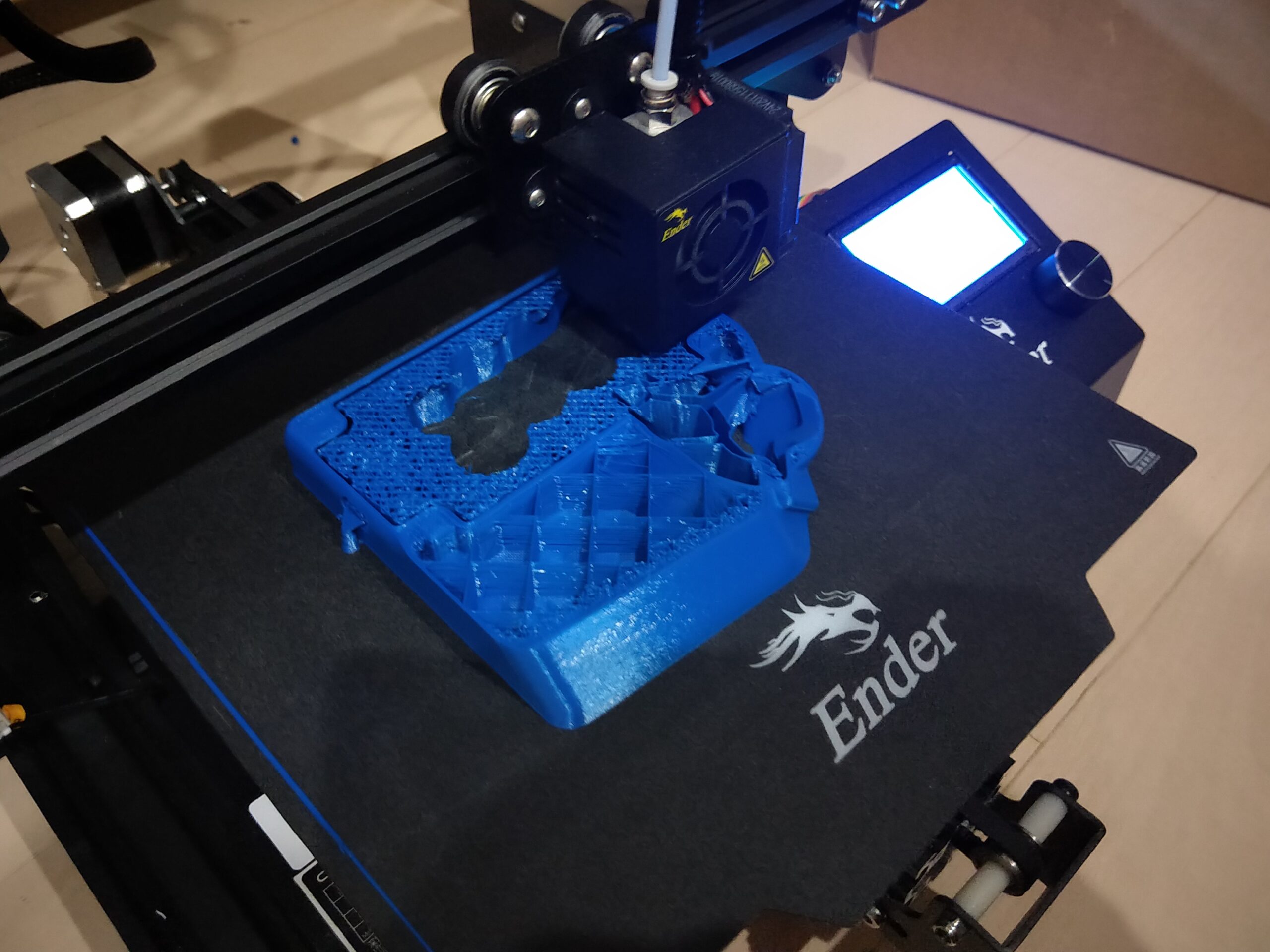
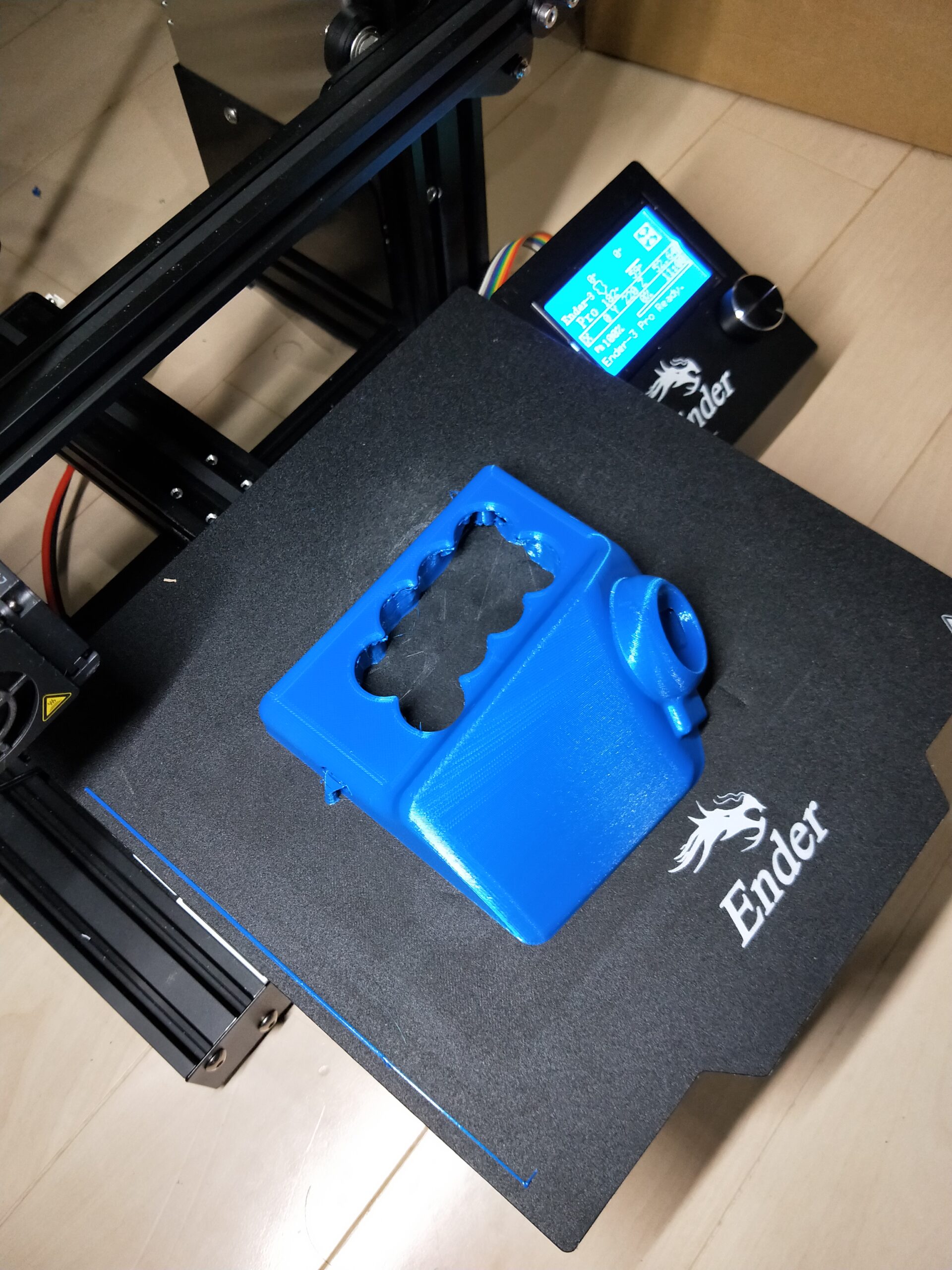
The analog stick felt promising, but bare wiring was never going to survive a real match, so I bought a 3D printer and started shaping a body. The challenge was to package the circuitry and make a shape that is easy to use, both at once. Not just something that “works,” but something you “want to use.” Prototype after prototype, I searched for the ideal form.
The purple body in the video below was the first device: just an analog stick, used together with a regular keyboard. That wasn’t very comfortable to use, so I built a blue version with buttons on the housing. From “just an analog stick” to “a device you can fight with.” Bit by bit, it moved closer to the ideal form.

The birth of MH-Alpha
The blue prototype had an analog stick plus 8 keys. For actually playing games, though, that was a few keys short.
“I want to make a gaming device that does it all on its own.”
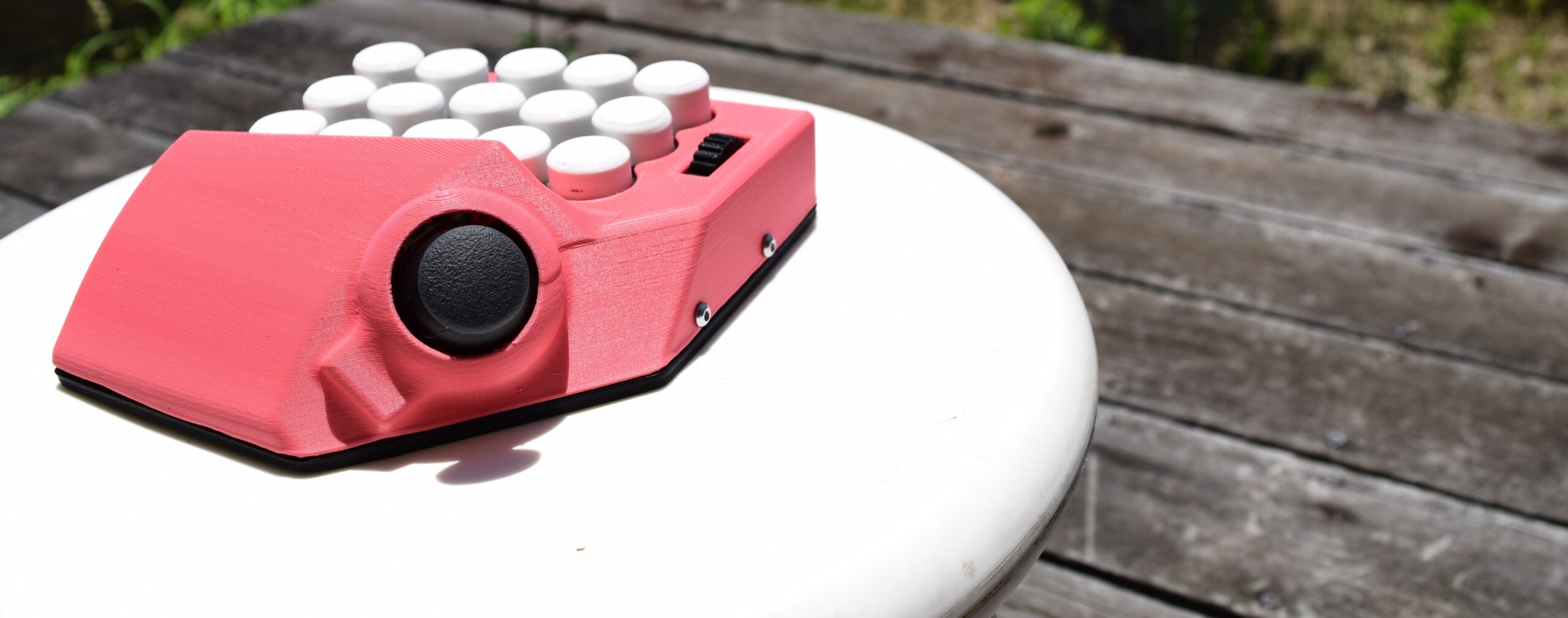
With that in mind, I started on a new model with more features. The key count went from 8 to 15. I added a mouse-wheel-style input, too. I also built a setting tool that lets you assign any key you like to each button, which turned it into a general-purpose device. I named it “MH-Alpha.”
It was the first finished form of the MH series, and the moment my focus widened from “for me” to “for someone else.” In actual use it felt really good. I quietly tried selling it online so anyone could use it, and the positive responses kept coming, far more than I expected. That surprise and joy led to the next challenge: developing MH-Gamma.
The birth of MH-Gamma
MH-Alpha started being used not only by gamers but also by illustrators, as a left-hand device.
“Wait, this works for more than games…!”
That realization sparked the next round of development. To make it more versatile and more comfortable, I started work on its successor, “MH-Gamma.” This model put more controls under the thumb, and the number of assignable input points jumped to 41.
I don’t think you will run short of keys in most games. I also added mouse control with the analog stick and two switchable channels for different uses, and finished it as an all-round device that fits both gaming and creative work.
It began as something I made so I could play Fortnite comfortably, but MH-Gamma grew into a device built for flexibility and versatility.

Kickstarter lit the fuse.
Just as I started to feel good about how polished MH-Gamma was, the next wall came into view: mass production.
“I want to get this device into more people’s hands.”
With that goal in mind, I ran a crowdfunding campaign on Kickstarter. We reached the goal, and thanks to everyone who backed it, MH-Gamma took its first step toward mass production. For production, the keys were changed to a square shape so they could be swapped for off-the-shelf parts. And it got a new name: “MH-Delta.”

On top of that, we added the long-requested left-handed version (operated with the right hand) to the lineup.
Honestly, paying for another plastic mold was quite a challenge…
But I knew first-hand that “there really aren’t many left-handed options out there,”
and I was determined to make one.
MH-Delta isn’t just a mass-production model. It is a kind of proof of co-creation, where what users asked for meets what I cared about.
This is the one that let me fight
I still play with my Delta today. My skills have improved, but honestly, I’m still pretty bad. My building and editing in Fortnite are nowhere near as smooth as a pro’s, and I lose plenty of gunfights. Even so, I think I play a whole lot “less badly” than I used to.
What makes me happiest is that I’m running across the battlefield with a partner I built myself.
MH-Delta isn’t just an input device. It is my own wish, “I want to move like this, I want to control it like that,” given physical form. And in the game, that partner really does move like my own hands and feet. That alone makes playing many times more fun.
I used to get shot while I was still fumbling with the controls. Now my character moves the way I mean it to. Tilt the stick with my thumb, press buttons with my fingertips. Through MH-Delta, every one of those moves is set up my way.
Win or lose, “I’m holding my own, with my own hands and a tool I made myself.”
That feeling means more to me than anything.
MH-Delta is a bundle of technology, and at the same time it carries my frustration and my hopes.
Nintendo Switch → PC (keyboard) → PC (MH-Gamma prototype)
The story isn’t over.
Once MH-Delta went on sale, something wonderful happened. Messages started coming in: “I use it for illustration, not just FPS,” “I use it every day in MMORPGs.” I thought I had made a device just for games, and before I knew it, it was being used in all kinds of ways. That gave me the push to take the next step.
After Delta, the improvements kept coming. Channels went from 2 to 10. Macro slots went from 12 to 60. AutoChannel switches your settings automatically just by launching an app. The more you use something, the more “if only it could…” ideas you get. The model that came out of all that is MH-Zeta.
Every “I can’t” we turn into something real lights the way to the next one. That is how MH-Device moves forward.
One last thing…
I have always loved making things that fix the little annoyances of everyday life, and MH-Delta grew out of that. What set it off was how bad I was at games, plus the sting of getting crushed by my own kid, who had started Fortnite with me (lol).
A dad’s pride, “No way I’m losing to that…!”, is what lit the fire. I thought, tested, failed and built again. MH-Delta is what came out of all that, with every bit of knowledge and experience I had poured into it.
“I just want to enjoy PC games without the hassle.”
If that sounds like you, you are exactly who I made this for. MH-Delta is packed with everything I care about. I would be happy if MH-Device products can quietly be there for your gaming, your illustration and your everyday work.